

DPN-4Quad
Discontinued.4-Port quad-head DisplayPort KVM switch with USB 2.0 and stereo audio support.
replaced by SM-DPN-4Q
What is the DPN-4Quad?
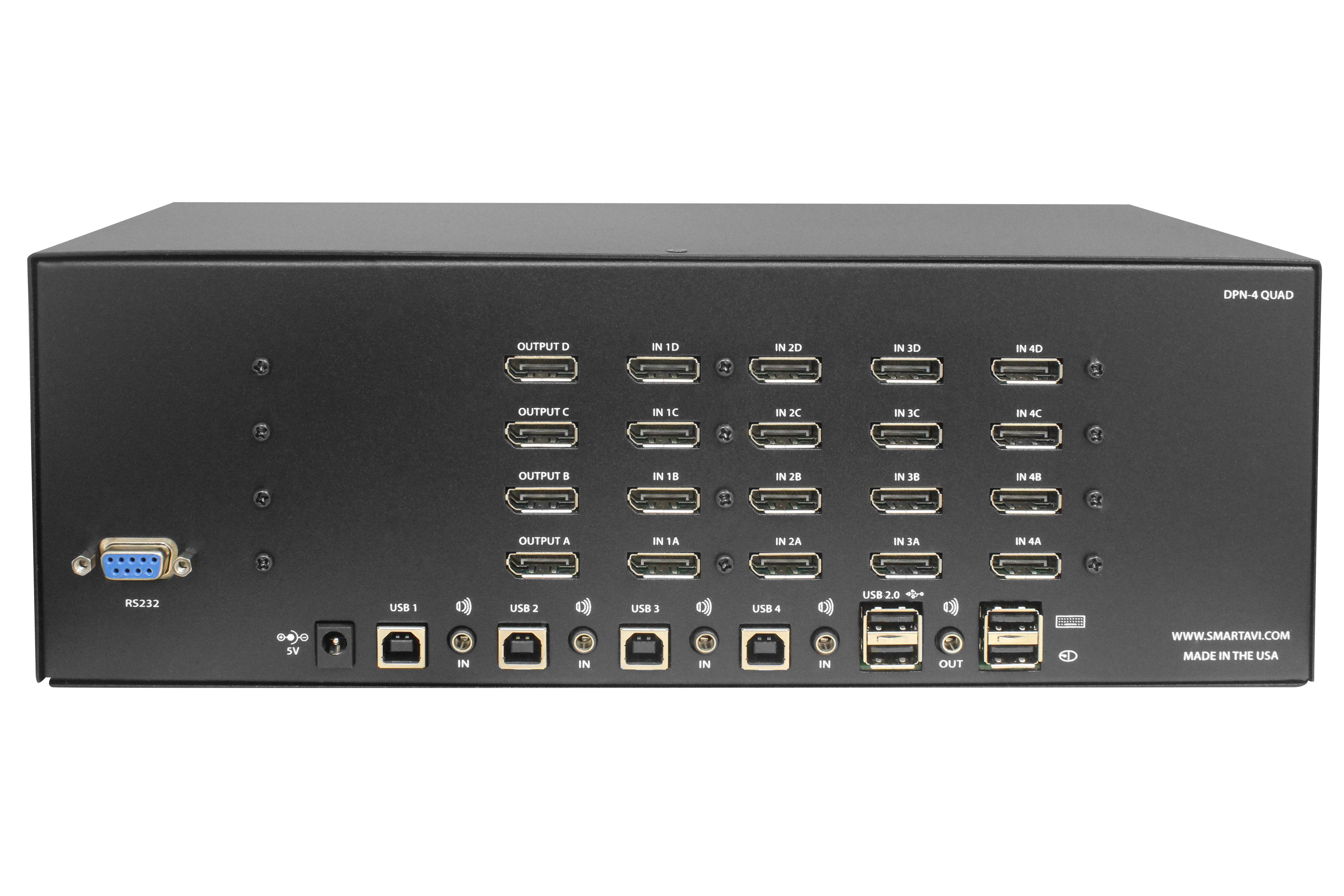
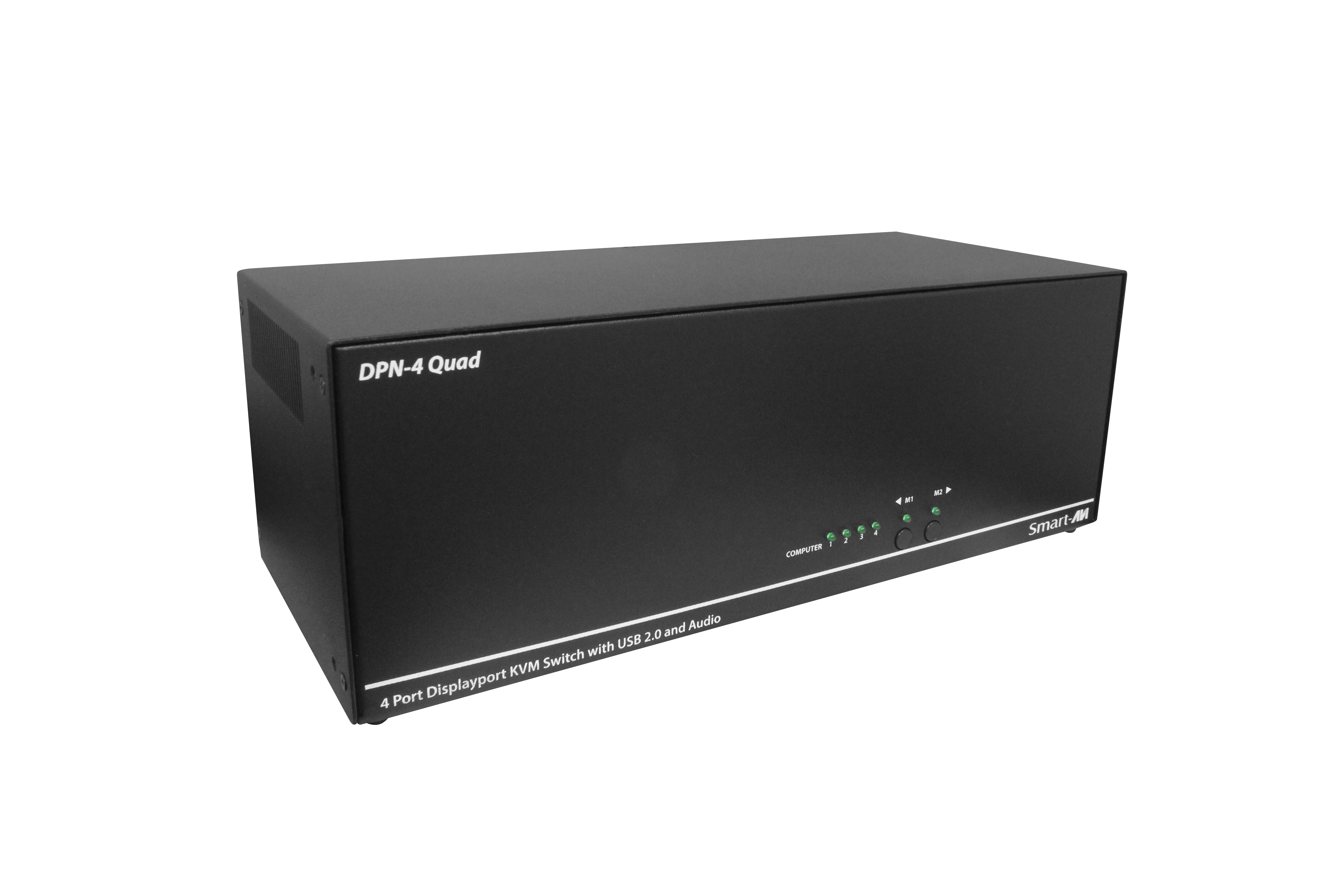
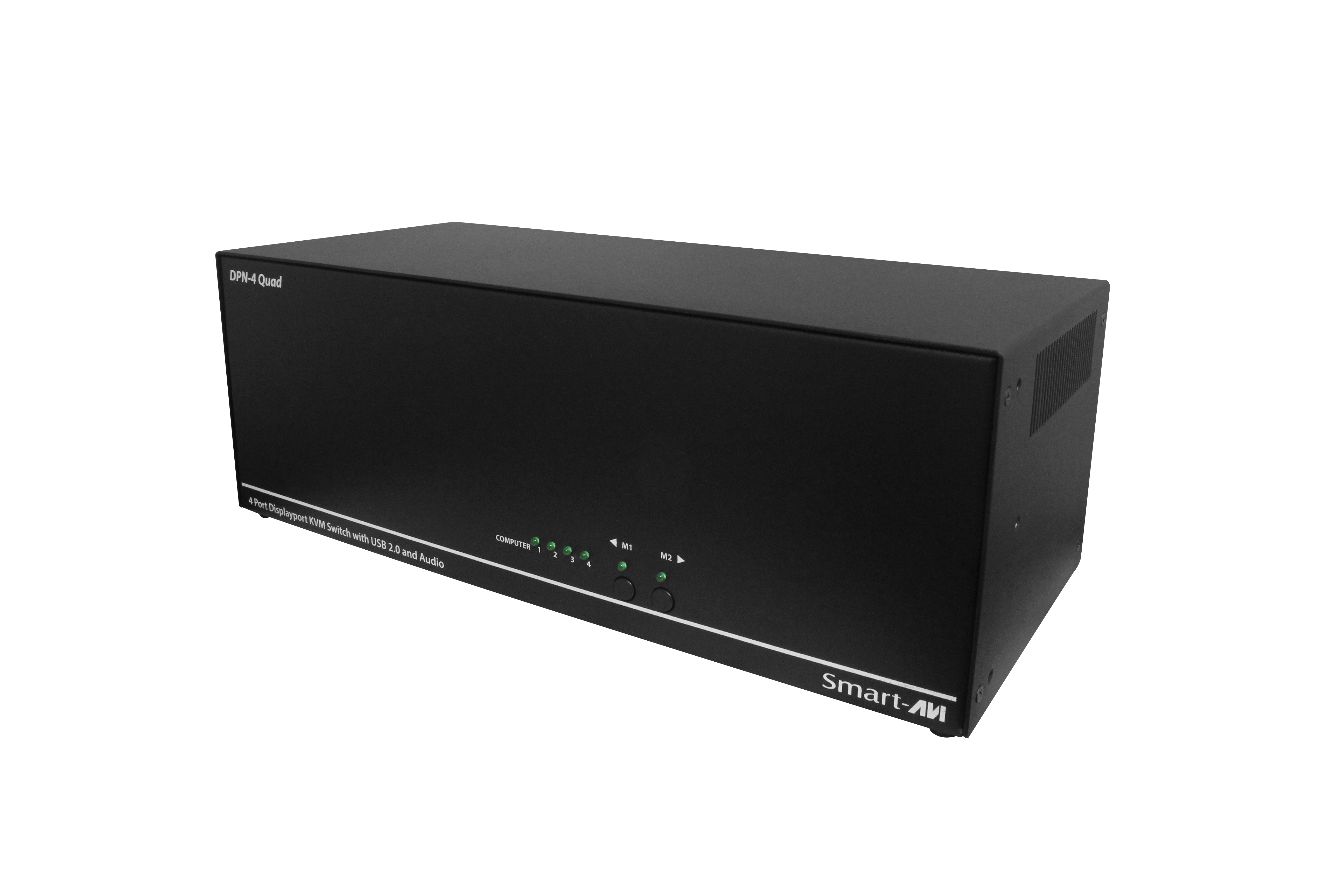
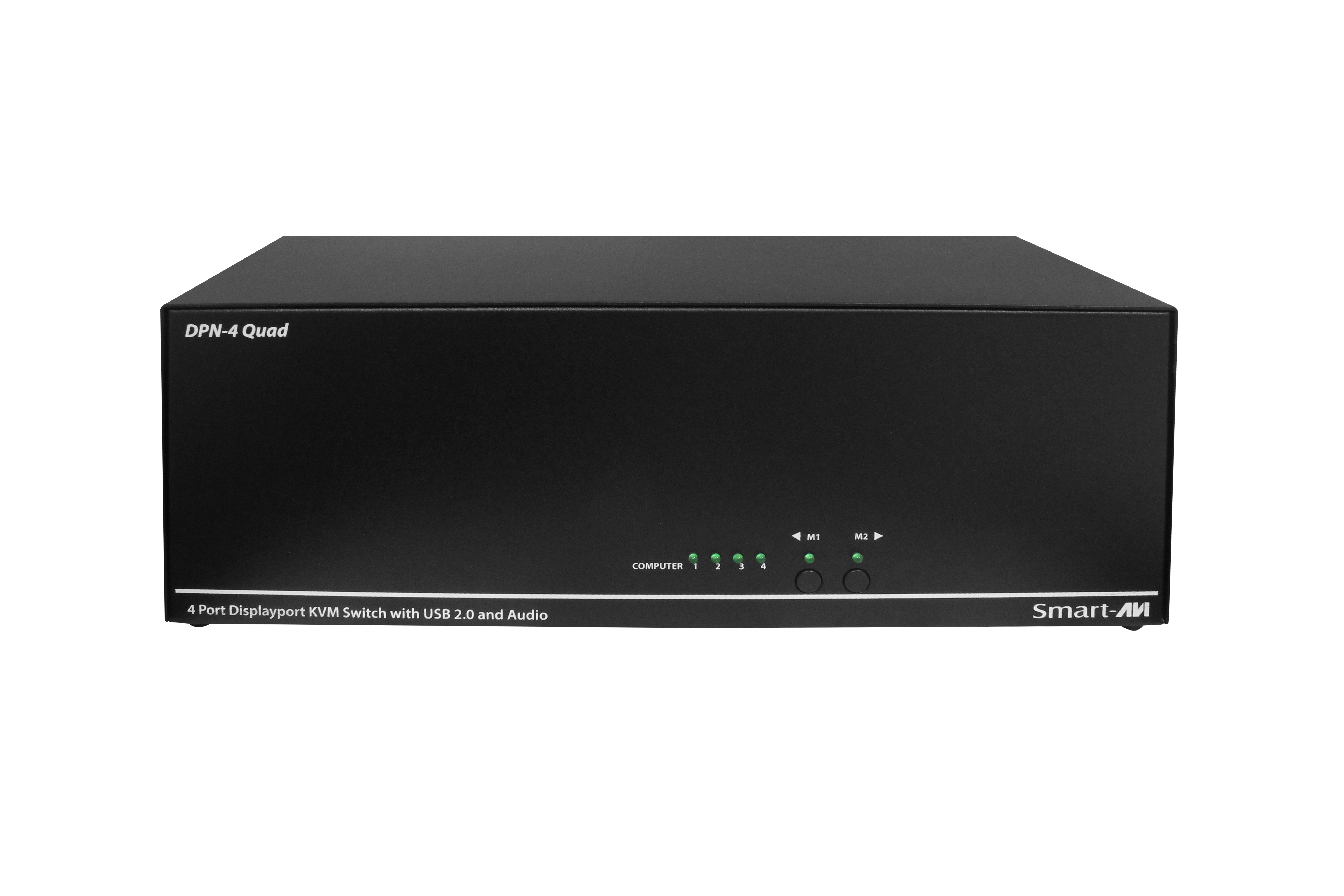
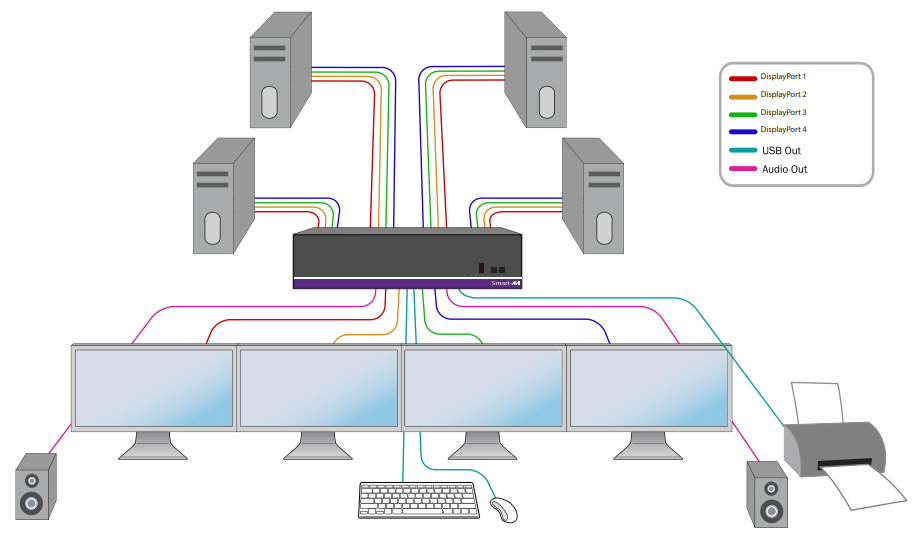
DPN-4Quad is a dedicated multi-platform KVM switch capable of managing up to 4 different computers through four DisplayPort monitors, one USB keyboard & mouse, a single set of speakers and a USB 2.0 Device.
How to control DPN-4Quad
The USB emulation technology utilized by DPN-4Quad enables immediate hotkey source switching through a remote USB keyboard and mouse. DPN-4Quad uses DisplayPort connectors providing high resolutions of up to 4K (3840×2160 @ 30Hz) with zero pixel loss from TMDS signal correction.
Features:
- Supports Mac, PC, Linux and Sun Mac OS, Sun OS, Unix
- Supports 4K (3840×2160 @ 30Hz) HD resolution
- Quad-head DisplayPort video (supports 4 local monitors)
- Supports all USB 2.0 Devices
- Control Sun, Mac or PC computers from a common KVM console
- Compatible with all major software including Windows, Linux, Mac OS, Sun OS, Unix
- Upgradable firmware
- Simple front panel buttons for source switching
- Balanced stereo audio output
- Supports RS-232 commands
- Optional TCP/IP web-based control interface
- Hot-key commands for quick channel selection.
- Independent switching between KVM and peripheral USB/audio ports.
- Plug-and-play ready!
Includes:
- (1) DPN-4Quad KVM Switch
- (1) Power Supply
- (1) Quick Start & Installation Guide
- Supports Mac, PC, Linux and Sun Mac OS, Sun OS, Unix
- Supports High Resolution Up to 4K (3840×2160 @30Hz)
- Zero pixel loss with TMDS signal correction
- Supports all USB 2.0 Devices
- Rack mountable in a standard 19 inch rack
- Flash upgradeable firmware
- Front panel keys for selecting users and channels manually
- Supports USB keyboard and mouse
- Balanced stereo audio output
- RS-232 control for remote control
- Optional TCP/IP control
- Hot-key commands for quick channel selection.
- Independent (asynchronous) switching of KVM and peripheral USB/audio ports. Users can listen to audio from one computer while working on the other or scan a document and save in another computer.
- Complete keyboard emulation for error free booting
| Video | |
|---|---|
| Format | DisplayPort 1.2 |
| Maximum Pixel Clock | 165 MHz |
| Input Interface | (16) DisplayPort |
| Output Interface | (4) DisplayPort |
| Resolution | Up to 4K (3840 x 2160 @ 30Hz) |
| DDC | 5 volts p-p (TTL) |
| Input Equalization | Automatic |
| Input Cable Length | Up to 20 ft. |
| Output Cable Length | Up to 20 ft. |
| Data Rate | 1.65 Gbps per color |
| Audio | |
| Input Interface | (4) 3.5 mm Stereo Audio |
| Output Interface | (1) 3.5 mm Stereo Audio |
| Impedance | 600 Ohm |
| Frequency Response | 20 Hz to 20 kHz |
| Nominal Level | 0-1.0 V |
| Common Mode | Rejection at 60 dB |
| USB | |
| Signal Type | USB 2.0, 1.1, and 1.0 w/ internal hub |
| Input Interface | (4) USB Type B |
| Output Interface | (2) USB 1.1 Type A for KVM Devices (2) USB 2.0 Type A Transparent |
| CONTROL | |
| Front Panel | Tactile Switch, Display: LCD 2 x 20 Character |
| RS-232 | DB9 Female – 9600 N,8,1, No flow control |
| Hotkeys | Via Keyboard |
| Video | |
| Power | External 100-240 VAC/ 5VDC4A |
| Dimensions | 4.5” H x 6” D x 12.75” W |
| Weight | 5.6 lbs. |
| Approvals | UL, CE, ROHS Compliant |
| Operating Temp | +23 to +95°F (-5 to +35°C) |
| Storage Temp | -4 to 185°F (-20 to 85°C) |
| Humidity | Up to 95% (No Condensation) |
| Emulation | Keyboard and Mouse |
| Model # | Description |
|---|---|
| DPN-4QuadS | DPN-4Quad, 4×4 DisplayPort, USB 2.0, Audio Switch. Includes: [DPN-4Quad & (PS5VDC4A)] |
X ![]()
![]()
![]()
![]()