

Hardware-level access
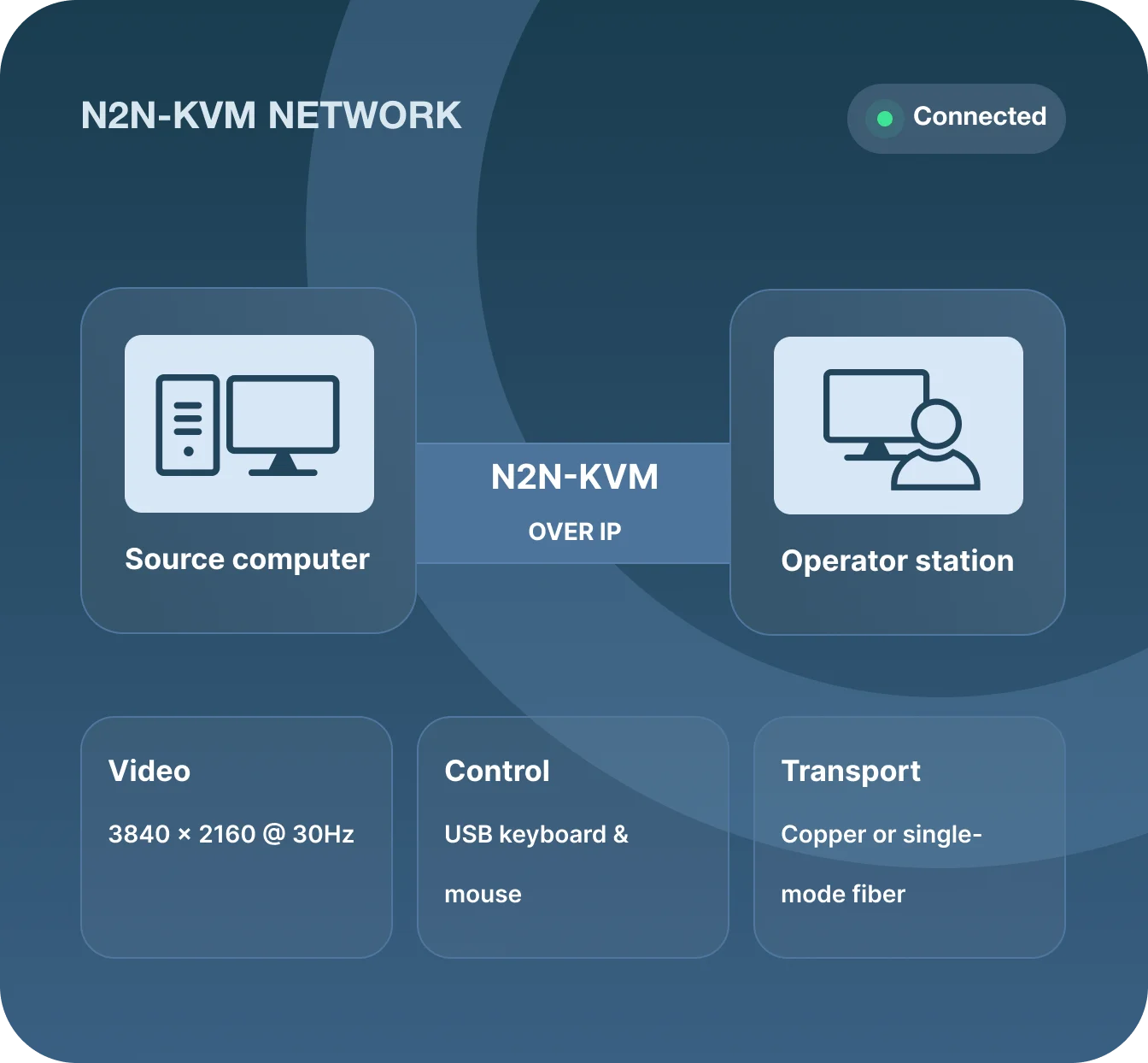
Control computers directly through their video and USB ports—no agent, operating system, or source-side application required.
N2N-KVM Series
Low-bandwidth 4K KVM-over-IP, powered by H.264 / H.265.
Access, monitor, and control remote computers from one workstation or any modern browser. N2N-KVM brings responsive KVM control, multiview monitoring, and scalable AV distribution to standard IP networks.
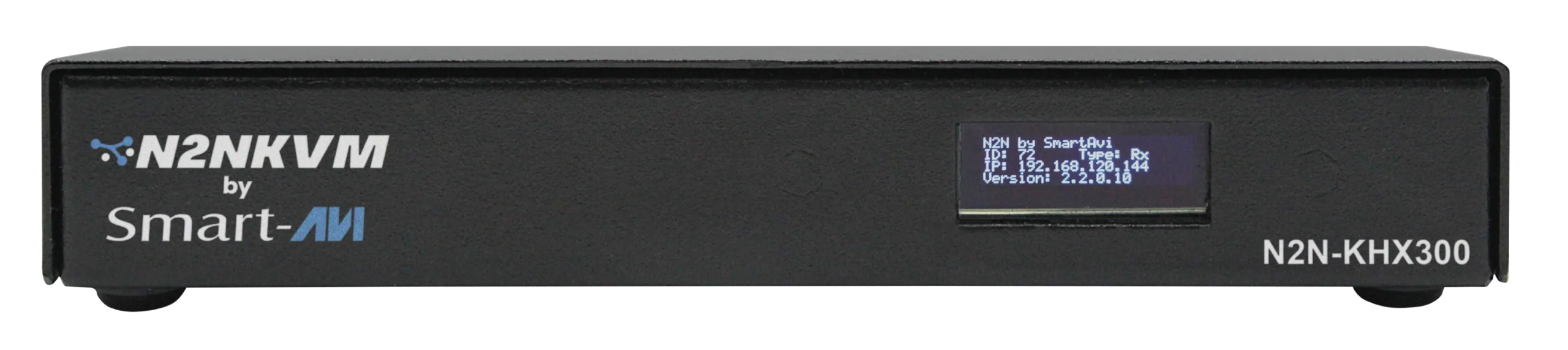
One intelligent platform
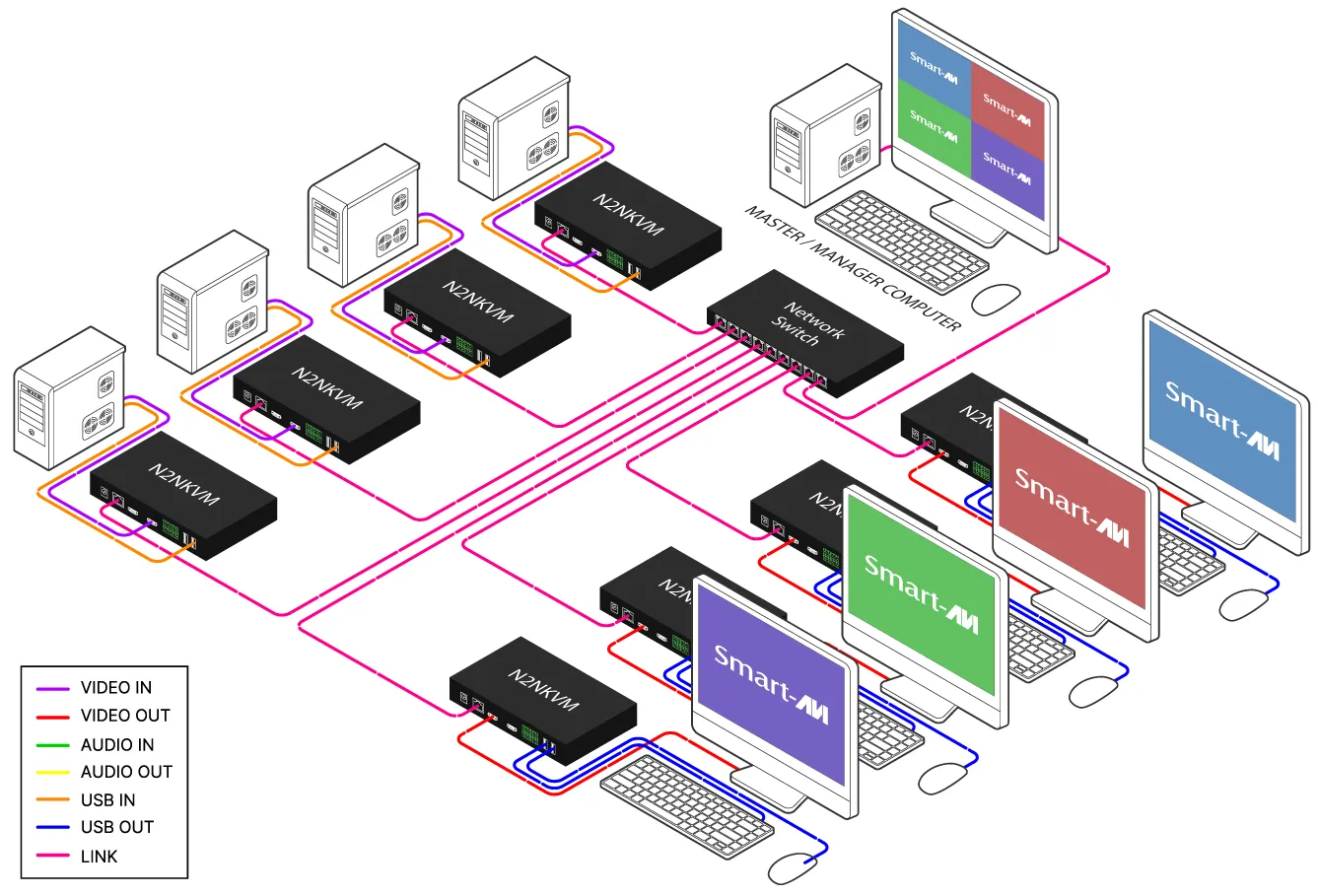
Every N2N-KVM node can be configured as a transmitter, receiver, or standalone KVM station. One flexible platform reduces part numbers and lets the system scale as your operation grows.
Control computers directly through their video and USB ports—no agent, operating system, or source-side application required.
Use gigabit Ethernet with unicast or multicast streaming for efficient point-to-point and one-to-many distribution.
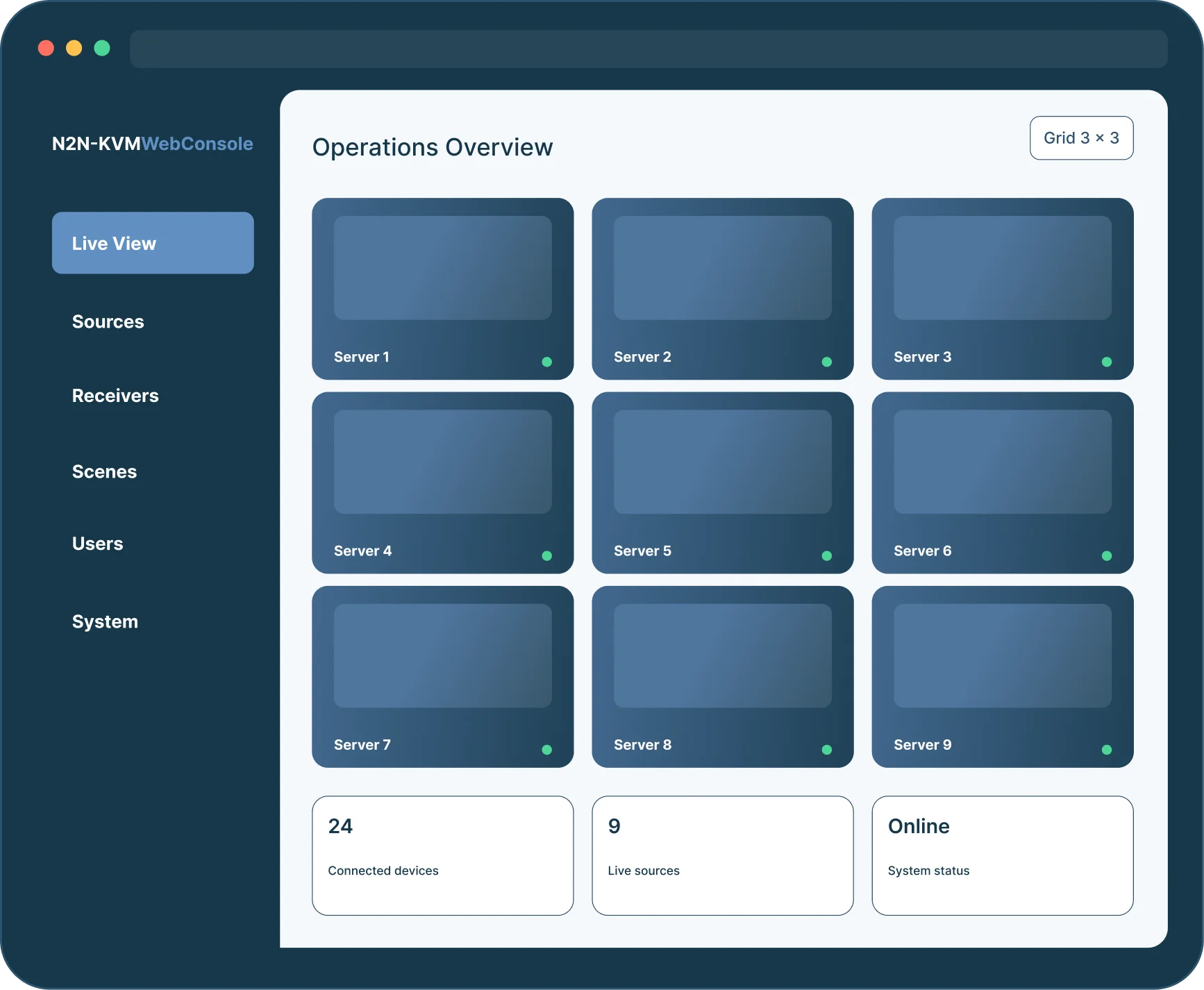
Route any source to any display, monitor multiple systems together, and save complete layouts as reusable scenes.
Introducing N2N-KVM WebConsole™
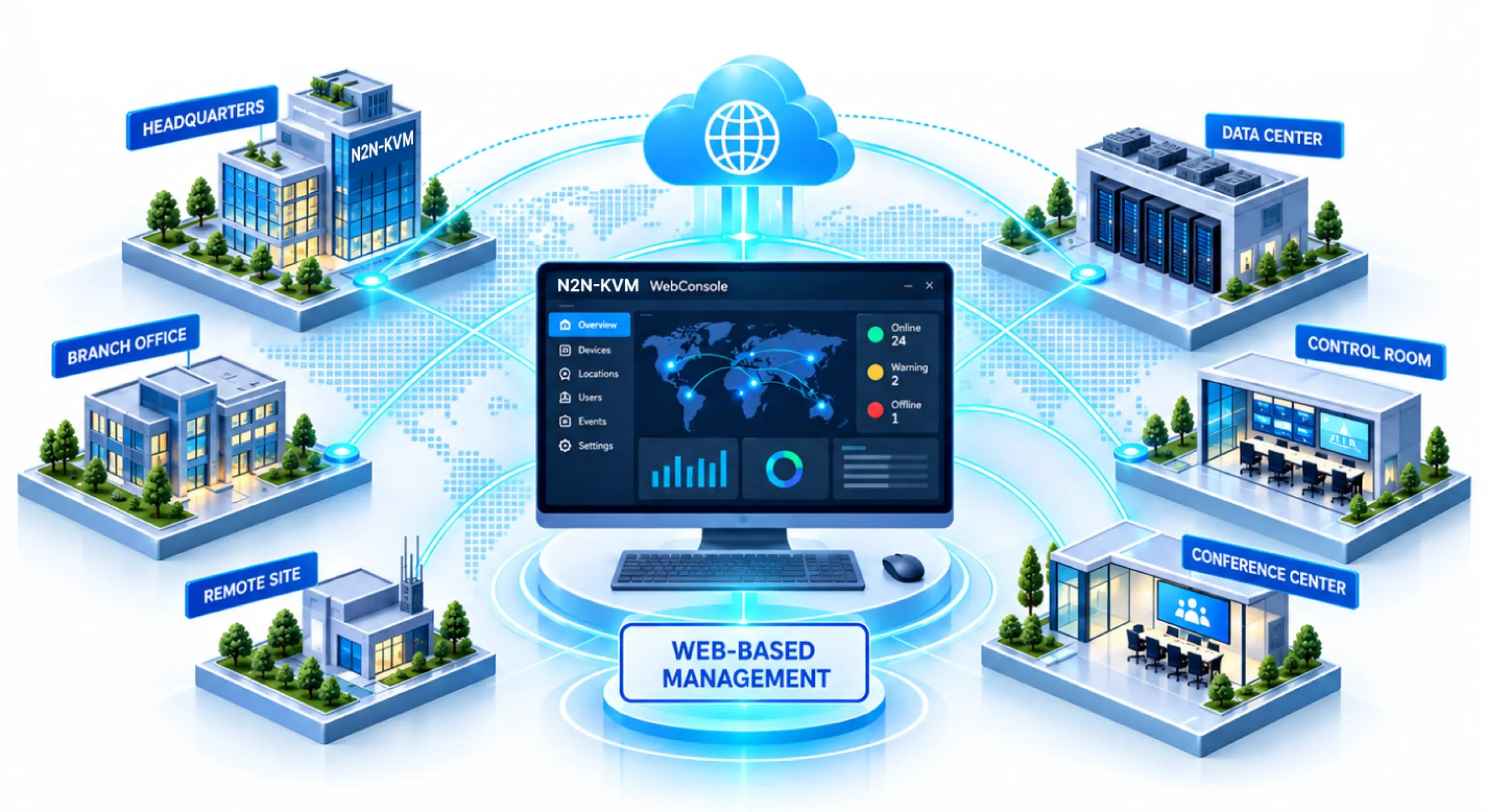
A centralized browser-based interface for discovering, monitoring, viewing, and controlling N2N-KVM-connected systems—without installing management software on the operator computer.
Software-configurable
Deploy the same N2N-KVM hardware wherever it is needed, then configure its role in software.
Turn one node into a self-contained KVM workstation. Open the on-screen control panel, select a permitted source, and work with single, 1×2, or 2×2 display layouts.
Flexible connectivity
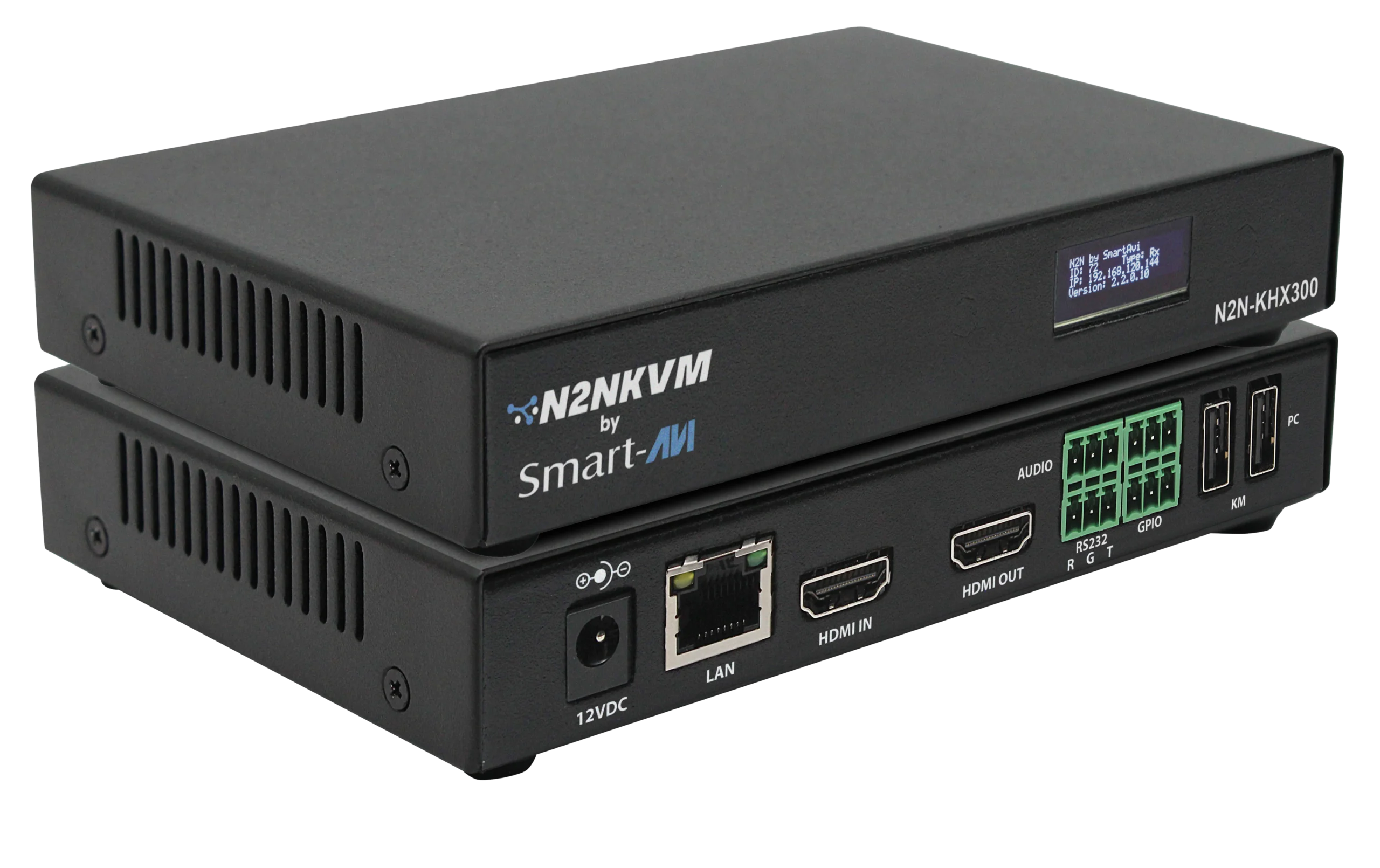
Deploy N2N-KVM over the network infrastructure that fits your site. Standard copper covers room and building-scale links, while SFP fiber extends the same system across campuses and remote facilities.
Connected operations
Coordinate teams and technology across command centers, data centers, security operations, server rooms, multimedia facilities, and large conference environments.
Break through geographical limitations to enable coordinated operations across multiple locations.
N2N-KVM product portfolio
Each model supports both transmitter and receiver operation. Choose HDMI or DisplayPort, then add SFP fiber when the deployment requires extended distance.
| Model | Video | Roles | CAT5 | SFP Fiber | 4K30 | WebConsole |
|---|---|---|---|---|---|---|
| N2N-KVH100 | HDMI | Transmitter / Receiver | Yes | — | Yes | Yes |
| N2N-KVD100 | DisplayPort | Transmitter / Receiver | Yes | — | Yes | Yes |
| N2N-KVH300 | HDMI | Transmitter / Receiver | Yes | Yes | Yes | Yes |
| N2N-KVD300 | DisplayPort | Transmitter / Receiver | Yes | Yes | Yes | Yes |
| N2N-Manager | Yes | Transmitter / Receiver | Yes | Yes | Yes | Yes |
Final capabilities may vary by firmware and project configuration. Contact SmartAVI for system design and model confirmation.
Tell us how many computers, displays, users, and locations you need to connect.
Error: Contact form not found.